Performance is the key component that makes a successful Unity game. In all cases, from the development of interactive applications to advanced gaming, good performance and frame rates are critical. In terms of decision-makers, this means losing engagement, spending extra money, and more time in the development process.
Hardware is an important aspect that greatly affects performance within the Unity engine. Everything, starting from logical operations on the CPU, rendering on the GPU, and memory management, will determine performance.
Understanding the Role of Hardware in Unity Performance
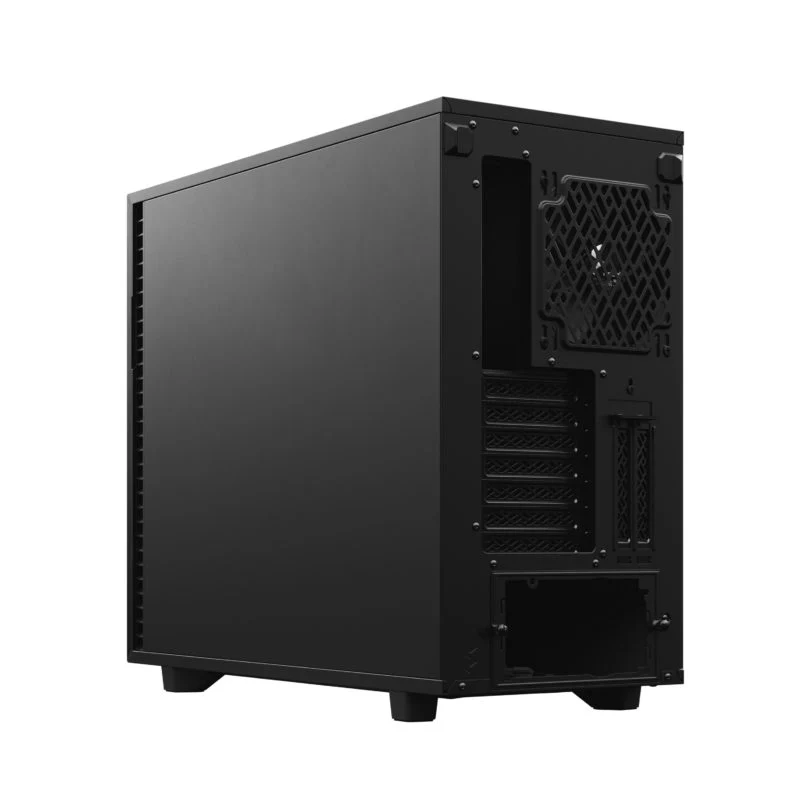
Modern systems such as the Unity Standard Edition Workstation are designed to align hardware capabilities with Unity’s real-time rendering pipeline. These systems ensure that CPU, GPU, and memory resources work together efficiently to maintain stable frame rates.
A well-optimized hardware setup reduces bottlenecks, allowing Unity to process game logic, rendering, and data streaming simultaneously. This balance is essential for achieving smooth gameplay and efficient development workflows.
1. CPU Power and Multithreading Efficiency
The CPU is responsible for handling game logic, physics calculations, and scripting processes. In Unity, many operations depend on how efficiently the CPU can manage multiple tasks at once.
Modern multi-core processors enable parallel processing, allowing Unity to distribute workloads across threads. This reduces delays and ensures that complex systems, such as AI and physics, run without slowing down the overall performance.
See also: Technology Regulation and Governance
2. GPU Acceleration for Real-Time Rendering
The GPU is the most critical component for real-time graphics performance. It handles rendering tasks, including lighting, shading, and visual effects.
High-performance GPUs allow Unity to process millions of pixels simultaneously. Features like GPU instancing reduce CPU load by rendering multiple objects in a single draw call, improving both speed and efficiency.
3. Memory Bandwidth and Data Access
Optimal memory management is necessary for achieving real-time performance. RAM and VRAM collaborate in storing and processing assets within the game, which include texture, model, and animation files.
Greater memory bandwidth leads to efficient transfer of data among different components. This lowers latency and prevents any lag while loading or rendering assets.
4. Storage Speed and Asset Streaming
Fast memory will be important in speeding up your system and giving you real-time performance capabilities. NVMe solid-state drives will make accessing your memory faster, something that is necessary for large projects within Unity. The Unity Compact Standard Edition Workstation ensures that your assets will stream quickly, making sure that you do not get any lag while playing your game.
5. Reducing Draw Calls with Hardware Support
Draw calls are one of the main performance challenges in Unity. The CPU must communicate with the GPU to render each object, which can create overhead.
Hardware-supported batching techniques allow multiple objects to be grouped into a single draw call. This reduces communication between CPU and GPU, resulting in smoother frame rates and improved efficiency.
6. GPU Instancing and Parallel Rendering
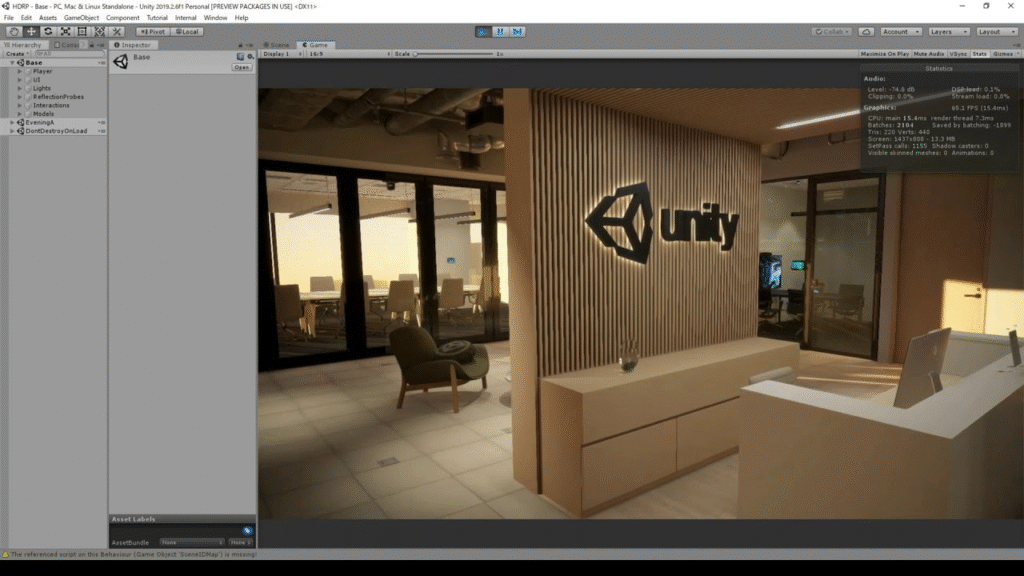
GPU instancing enables Unity to render multiple identical objects using a single set of instructions. This is particularly useful in scenes with repeated elements such as trees, characters, or props.
By leveraging GPU parallelism, hardware significantly reduces processing time. This allows developers to create visually rich environments without compromising performance.
7. Texture Compression and Optimization
Textures of high resolution may use up a lot of bandwidth and memory space. Compression of textures at the hardware level allows the reduction of these problems.
Compression of textures leads to decreased memory usage and increased data transmission rate.
8. Adaptive Performance and Thermal Control
Modern hardware includes features that adjust performance based on system conditions. Unity can interact with these features to maintain stable frame rates.
Adaptive performance systems monitor temperature and workload, adjusting settings to prevent overheating. This ensures consistent performance during extended gameplay sessions.
9. Occlusion Culling and Visibility Optimization
Rendering objects that are not visible wastes valuable resources. Hardware-assisted occlusion culling helps Unity determine which objects should be rendered.
By skipping hidden objects, the system reduces unnecessary processing. This improves performance, especially in complex environments with many assets.
10. Balancing Hardware for Consistent Performance
The optimal performance of the software can be ensured when there is a balance within the computer. If the GPU is high quality but the CPU or the RAM is not compatible, it would not ensure efficient processing of the Unity projects.
This is crucial since the efficient performance of Unity projects varies from one project to another.
Driving Better Results Through Optimized Hardware Choices
Efficiency in real-time Unity performance isn’t only reliant on software; it requires efficient hardware. If systems are well-set up, users will get better workflow, faster rendering, and higher productivity.
There are big companies like Dell Technologies or HP that provide general-purpose workstations suitable for various applications. But sometimes, general systems aren’t always designed for Unity applications, leading to inefficiency in real-time performance.
Systems offered by Cloud Ninjas are specifically aimed at meeting the needs of real-world developers. Unlike other broad systems produced by Lenovo or HP, they match Unity’s specific needs and produce much better results in terms of efficiency and scalability.